GPIB on macOS
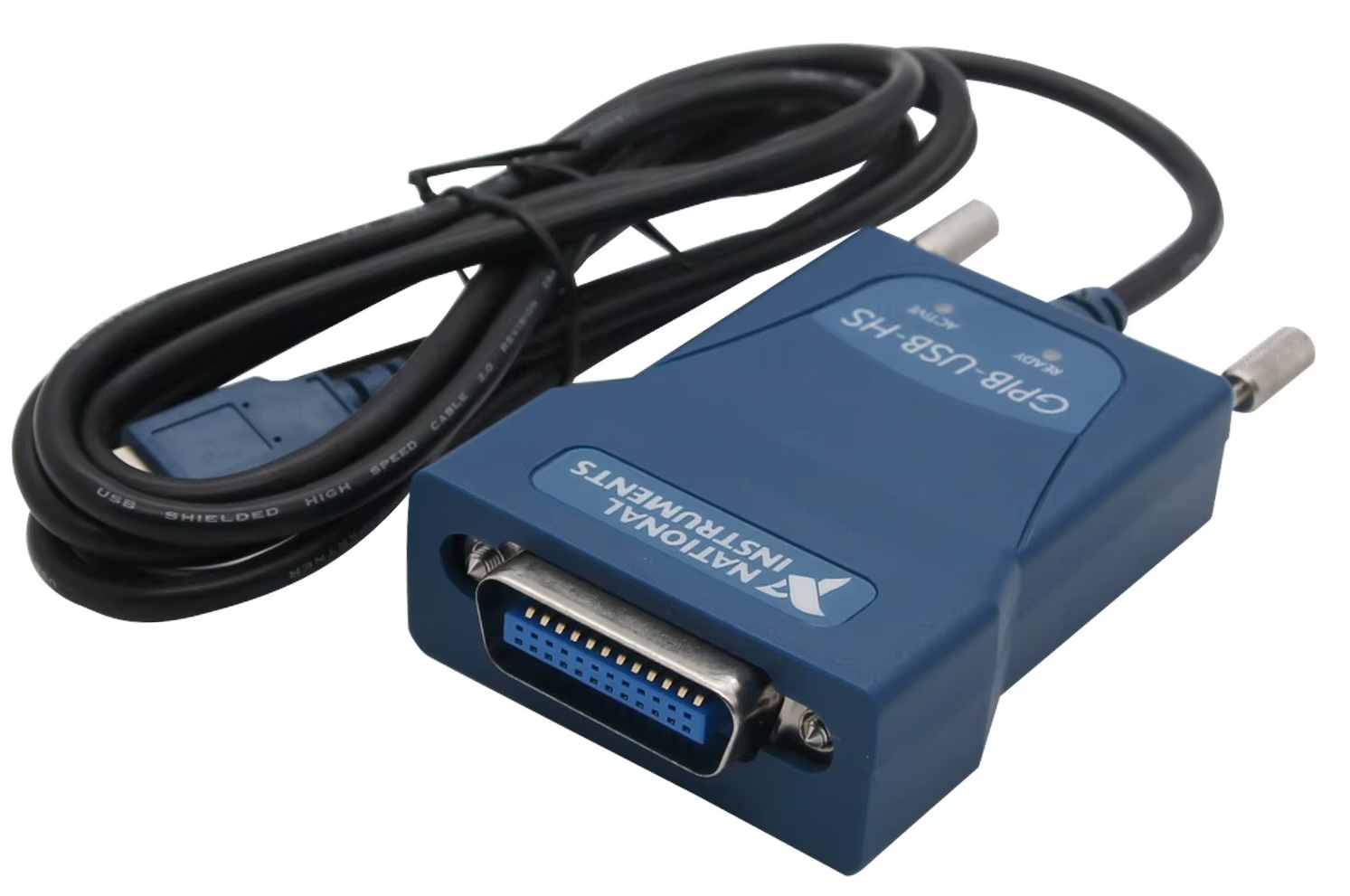
For years, getting a GPIB instrument talking to a Mac has meant a VM, a Linux box on the side, or a driver that may or may not load on the current macOS.
Not anymore — at least on my bench.
This morning a Yokogawa DL1540C, a veteran of a scope, sent its waveforms over GPIB through a USB GPIB adapter (NI GPIB-USB-HS compatible) straight into ScopeLab, my own macOS app. It needs no kernel extension and no vendor driver, and it runs inside the App Sandbox.
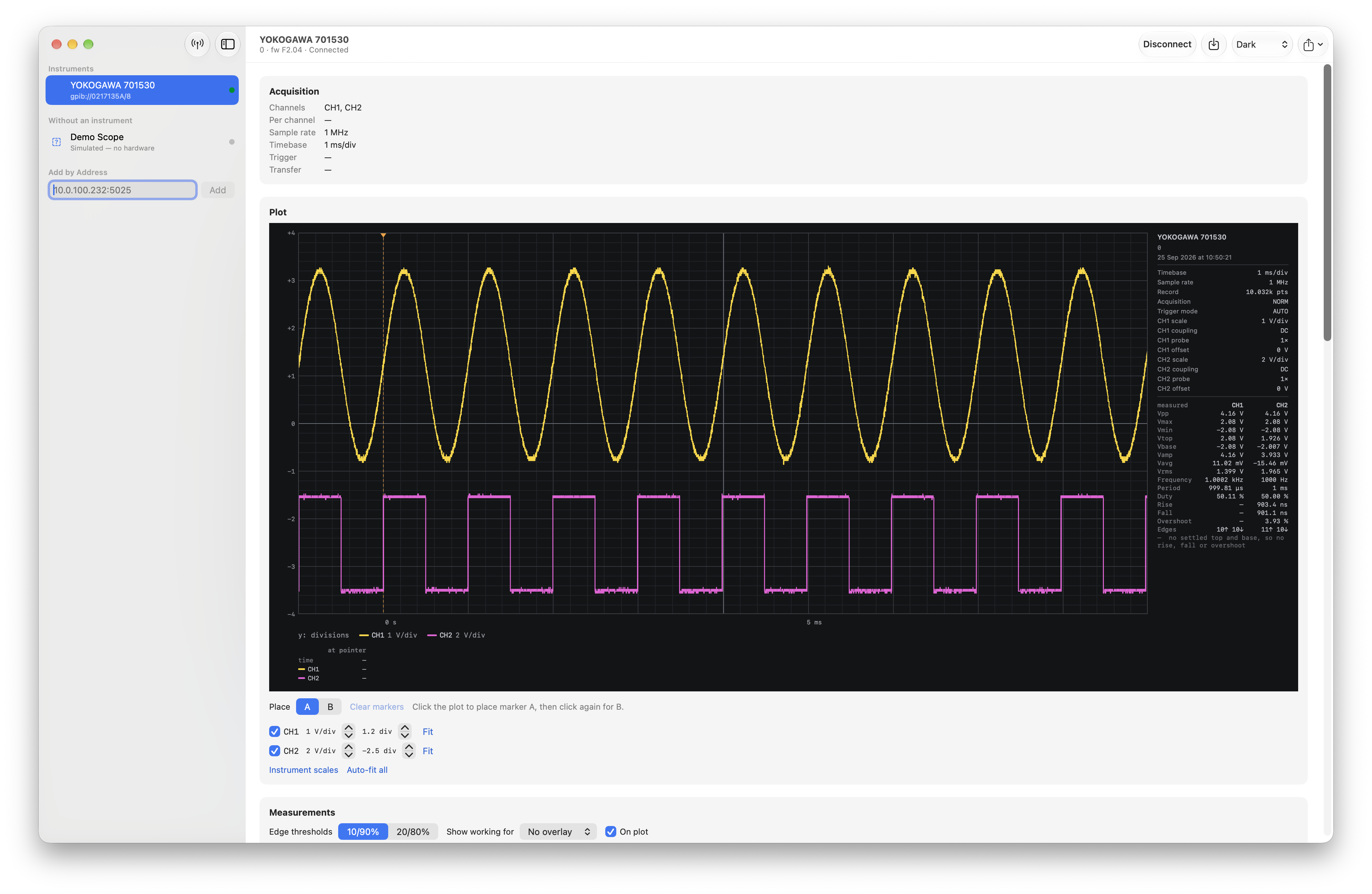
📐 1 kHz sine on CH1: 1.399 V RMS, 1.0002 kHz. The scope's own measurement: 1.398 V, 1000 Hz.
How it works: the adapter's USB protocol was worked out from captures of the Linux driver and reimplemented in user space on IOUSBLib. It lives in InstrumentKit, my Swift package for bench instruments, so any app can use it.
Things the adapter taught me the hard way:
🔸 A query nothing answers blocks the bus for up to 19 seconds, so there is no probing and no guessing, ever.
🔸 A single reply over 1024 bytes wedges the adapter until you unplug it, so a 10,000-point trace comes over in 21 slices.
🔸 Reading a reply in pieces can silently drop a byte at every join. Every slice is length-checked, because a trace that's one sample short looks exactly like a correct one.
The DL1540C now sits in the same app as my Siglent SDS2504X Plus (LAN, plus 16 logic channels) and SSA3032X Plus spectrum analyser, with the same plot, markers, measurements, FFT and export for all of them.
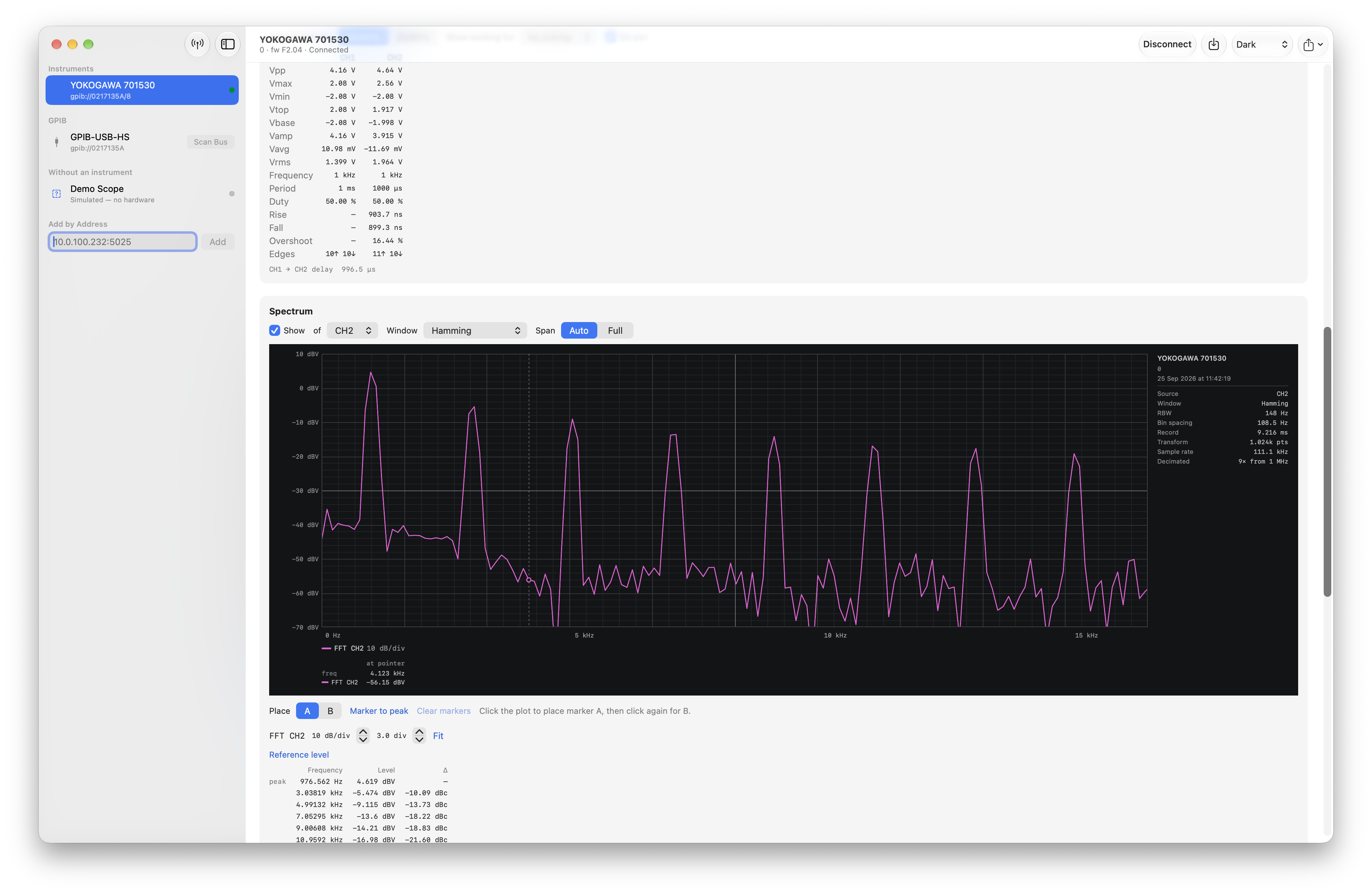
Old instruments are good instruments. They just need someone to talk to them. 📟